
FREE TOOL · UNLIMITED · NOTHING UPLOADED
Put text behind your photo.
Drop a photo and the words land behind whoever is standing in front of the camera. The text behind image effect, also called text behind picture, in one drag. Free and unlimited because the cutout runs on your device, not on a server.
Drop a photo
JPG, PNG, WebP or HEIC · one at a time, as many as you like
Nothing leaves your device
Nothing leaves your device
Finding the subject
First run downloads the cutout model, about 7 MB. After that it is cached and this step takes a second.
That photo could not be opened
Quick styles
Words
Typeface
Align
Size 18
Weight 700
Turn 0°
Spacing 0
Line height 1.06
Opacity 100%
Colour
Blend
Outline 0
Shadow 0
Outline colour
Edge 2
Tighten 0
If the type creeps onto the subject, tighten. If a halo shows, soften the edge.
Touch up
Brush size 7
Paint on the picture. Restore brings the subject back over the text where the cutout missed it, Erase does the opposite.
MADE HERE
The type passes behind the person.
Three frames straight out of this editor, no retouching after the export. Watch where each word disappears: behind a shoulder, behind a jaw, behind a sleeve. That edge is the whole effect, and it is the part a caption laid on top can never fake.
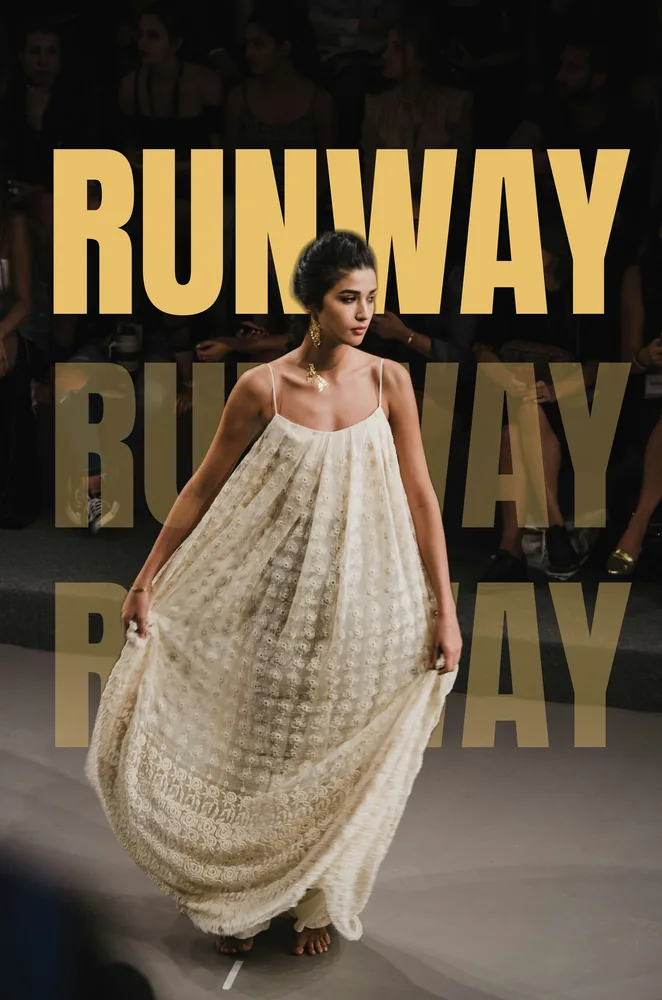
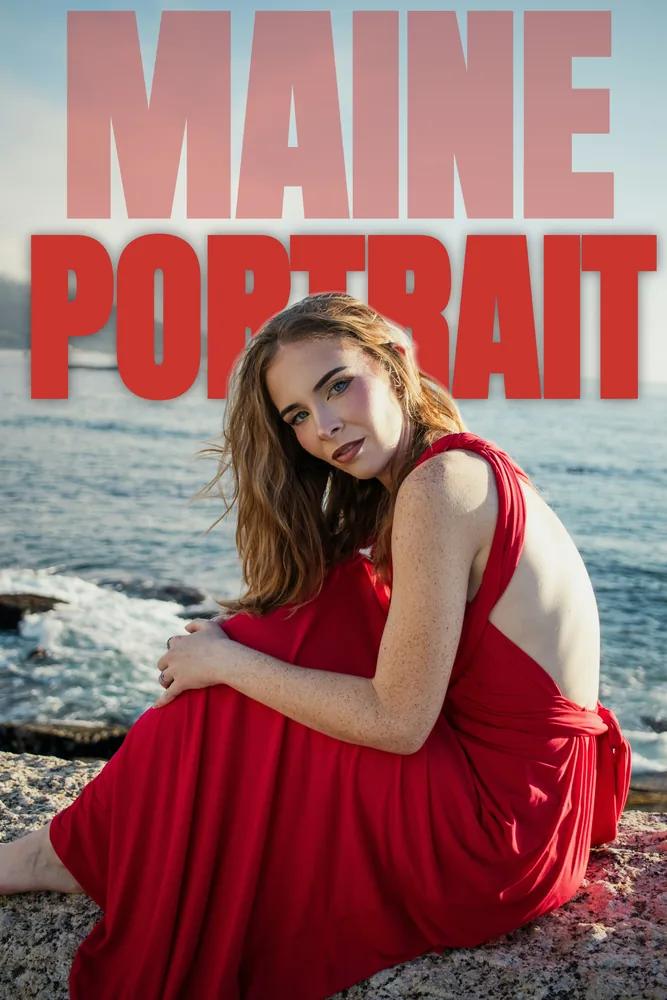
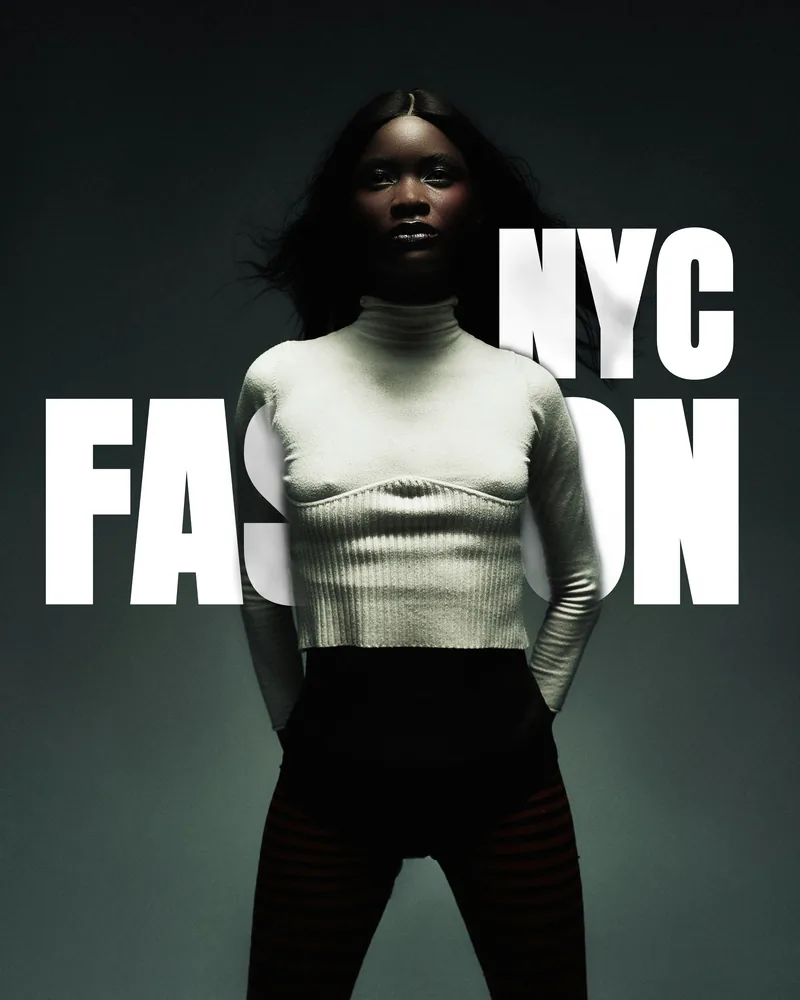
Every one of these took under a minute. Drop your own photo above and the first line is already on the picture.
HOW IT WORKS
Free because it costs us nothing.
01 · NO SERVER TO PAY FOR
Most tools like this send your photo to a machine that charges per call, which is why they end up metering you. The model here runs in your browser, so the hundredth photo costs exactly what the first one did. Nothing.
02 · THE PHOTO STAYS PUT
Your file is read, cut out and written back to a PNG without leaving the tab. There is nothing to upload, nothing to delete afterwards and no account attached to any of it. Pull the wifi once the page has loaded and it still works.
03 · FULL RESOLUTION OUT
The preview is scaled to your screen, the export is not. Type is sized against the photo's own dimensions, so what you arrange on a 900 pixel preview lands identically on a 4000 pixel file.
The cutout is U²-Net under the Apache 2.0 licence, run through ONNX Runtime Web under MIT. The twenty four typefaces are all SIL Open Font License. Every licence ships beside the files it covers, and none of them stop you using what you make here commercially.
WHAT PEOPLE MAKE
One effect, a lot of jobs.
The trick is old. Magazine covers have run the masthead behind a face since the 1960s, and it works for the same reason now: type that passes behind a shoulder reads as part of the picture rather than a sticker on top of it.
Instagram posts and stories
A name, a date or a venue set behind the couple. Export full size and crop to 4:5 or 9:16 in the image resizer next door.
Posters and album covers
Big condensed type behind a figure is the whole poster. Push the size past the frame edge and let it run off, which is what makes it look printed rather than posted.
Video thumbnails
A word behind the presenter holds at thumbnail size where a caption bar does not. Heavy weight, high contrast colour, and keep it to one or two words.
Client previews and blog headers
Put the shoot name behind the frame you are leading with. Straight from an iPhone HEIC if that is what you have, or a JPG out of the RAW converter.
Common questions
Is it really free, and is there a limit?
Yes, and no limit. The cutout runs on your own device instead of a server, so every photo costs us nothing and there is no credit counter, no account, no watermark and no export cap. Do a hundred in a row if you like.
Are my photos uploaded?
No. The photo is read by your browser, the subject is found by a model running on your device, and the PNG is written on your device. Nothing is sent anywhere. Turn the wifi off once the page has loaded and it keeps working.
What does the first load download?
About 7 MB, once: the cutout model and the WebAssembly runtime it needs. Your browser caches both, so the second visit starts instantly. Typefaces load one at a time, around 20 to 40 KB each, only when you choose them.
Which photos work best?
A clear subject against a background it separates from: a person, a couple, a dog, a bottle. Very fine hair against a busy background is the hard case for any cutout, and the edge controls are there for exactly that.
What resolution do I get out?
The full resolution of the photo you put in, up to 4200 pixels on the long edge. The preview is scaled to fit your screen, but the export is rendered at the original pixel dimensions with the text drawn at matching scale.
Can I use the fonts commercially?
Yes. All 24 are released under the SIL Open Font License, which allows commercial use. Every licence is published beside the font files, and the tool never asks you to sign anything.
Can I put a photo behind the text instead?
That is what this already does, read the other way round. The type is drawn on the background and the subject is laid back over the top, so the words pass behind a shoulder or a shrub exactly where the subject stands in front of them.
WHILE YOU ARE HERE
Kepla clears the obvious misses. You select.
The free tools exist because the paid one is worth trying. Kepla for Mac reads a card of 4,812 frames, clears 2,836 of them, and hands you 1,880 clean ones and 96 it is not sure about. It never deletes, moves or renames anything.
Made something good? Kepla File Transfer sends it on as one link, free.